01 / APPEARANCE
Liquid Glass
Blurred, layered surfaces bring more depth to the phone UI without losing readability. Android 12+.
Features are grouped by the job they help you do. The current release expands the app around personalization, accounts, playback and TV-specific workflows.
Blurred, layered surfaces bring more depth to the phone UI without losing readability. Android 12+.
Set anime artwork or your own photo behind each page, with darken and blur controls.
Up to five profiles keep history, lists, settings, themes and optional PIN protection separate on TV.
See stats, activity, top genres, list breakdowns and cleaner service sign-in screens.
Create personal lists, sync them to AniList or MyAnimeList and hide watched titles while browsing.
Continue into the next season automatically and skip intro/outro segments on downloads.
Multiple profiles are designed to make the TV experience feel personal without mixing everyone's viewing history or preferences.
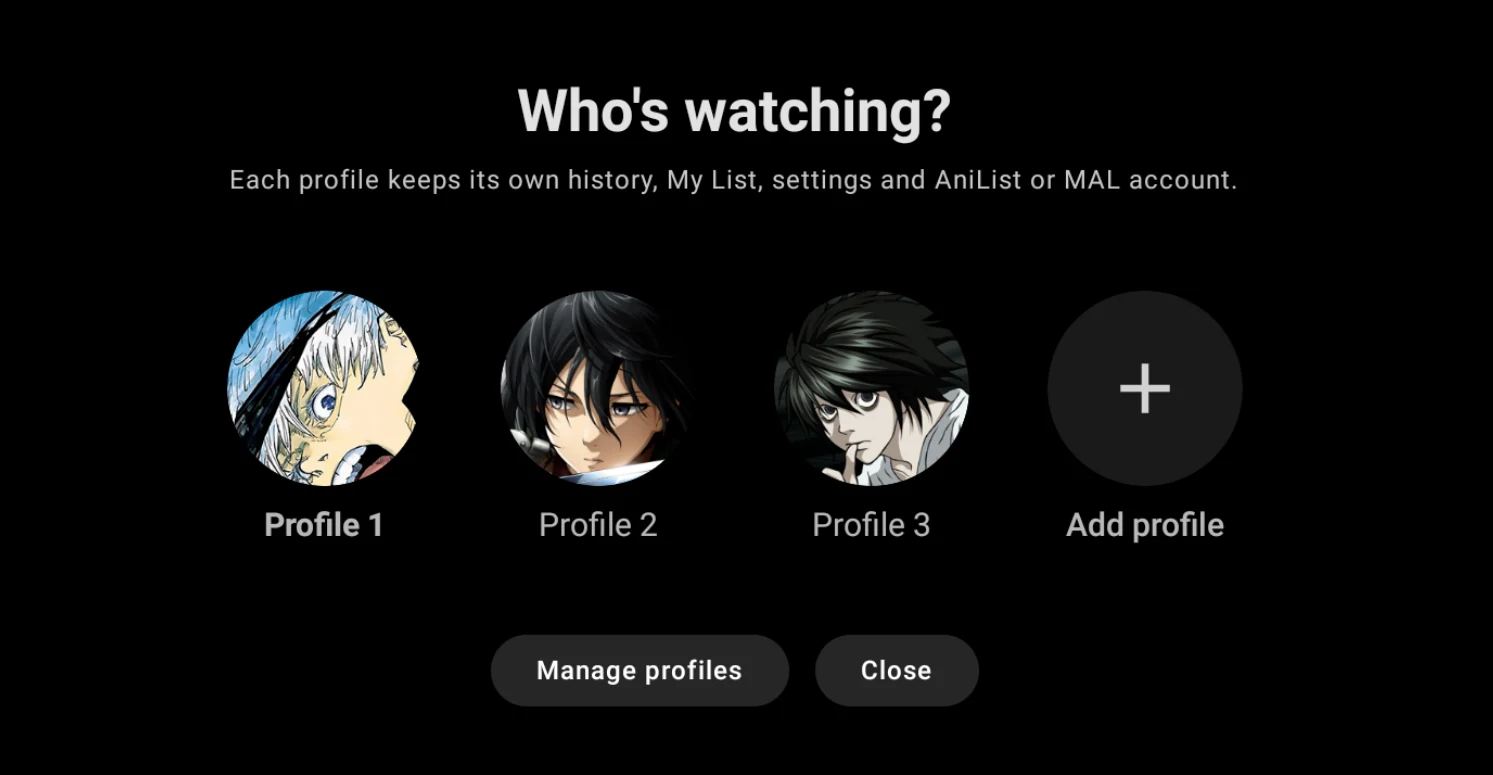
Up to five TV profiles can each have their own history, My List, settings, theme and connected AniList or MyAnimeList account. An optional four-digit PIN can keep a profile locked.
The product site follows the same principle: explain the workflow, then show one carefully framed piece of interface when it adds evidence.