
PHONE + TABLETV0.1.82
Anilili.apk
Universal build for most Android phones and tablets.
Anilili keeps discovery, playback and personalization in one clean experience, with a dedicated TV layout for the living room.
Official Android downloads for phones, tablets and TV. Choose the build that matches your screen, then select any available mirror.
Universal build for most Android phones and tablets.
TV build for compatible Android TV, Google TV and Fire TV devices.
Browse, search and move into a title without unnecessary steps.
Keep episode, server and subtitle choices close to the player.
A separate large-screen experience built around focus and remote input.
Appearance, schedule and account tools stay easy to reach.
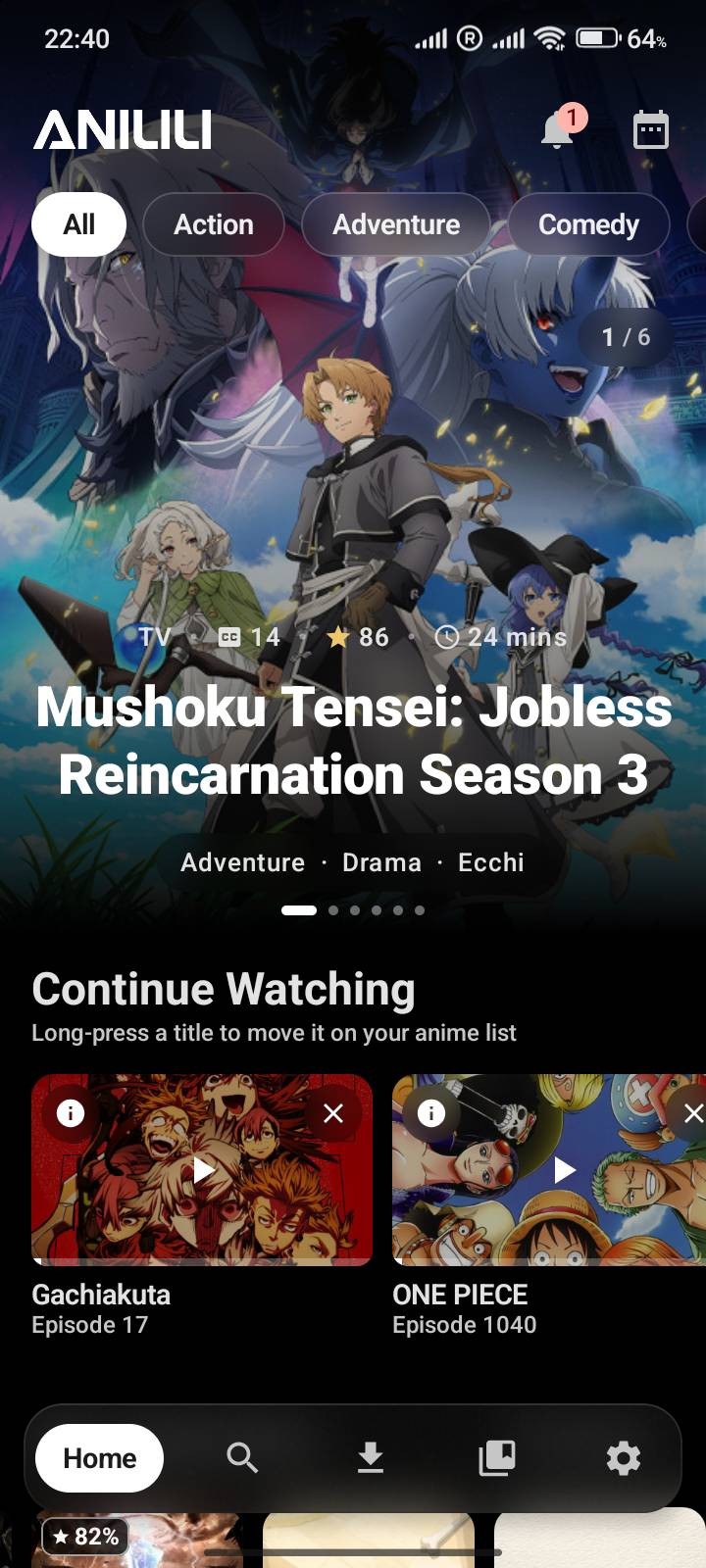
Instead of filling the page with a screenshot wall, the interface appears only where it helps explain the product. That keeps the site editorial and makes every image do a job.
Browse, search, open a title and continue watching without the site turning into a dashboard.
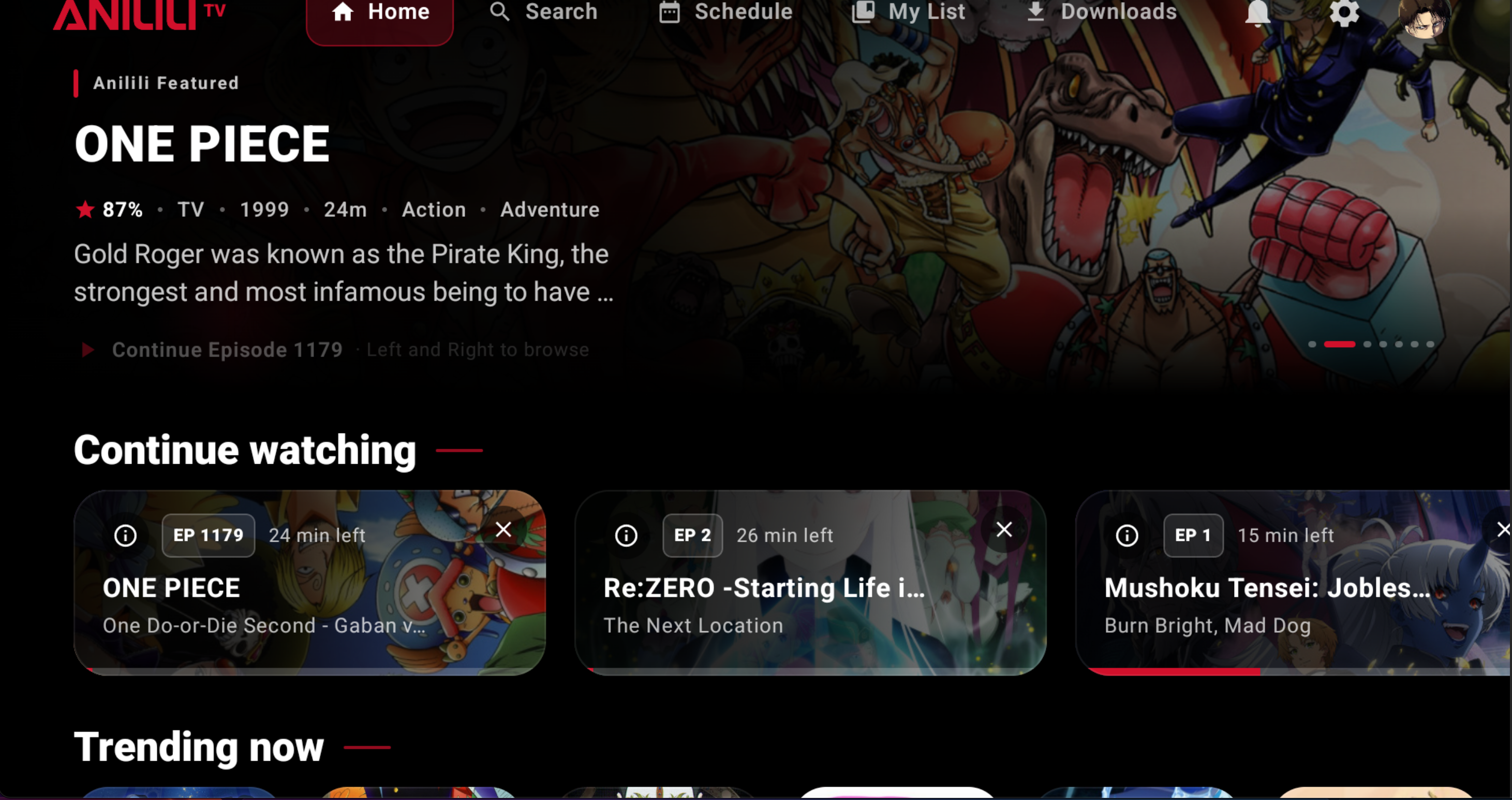
The TV build uses wide cards, focused navigation and remote-friendly spacing.
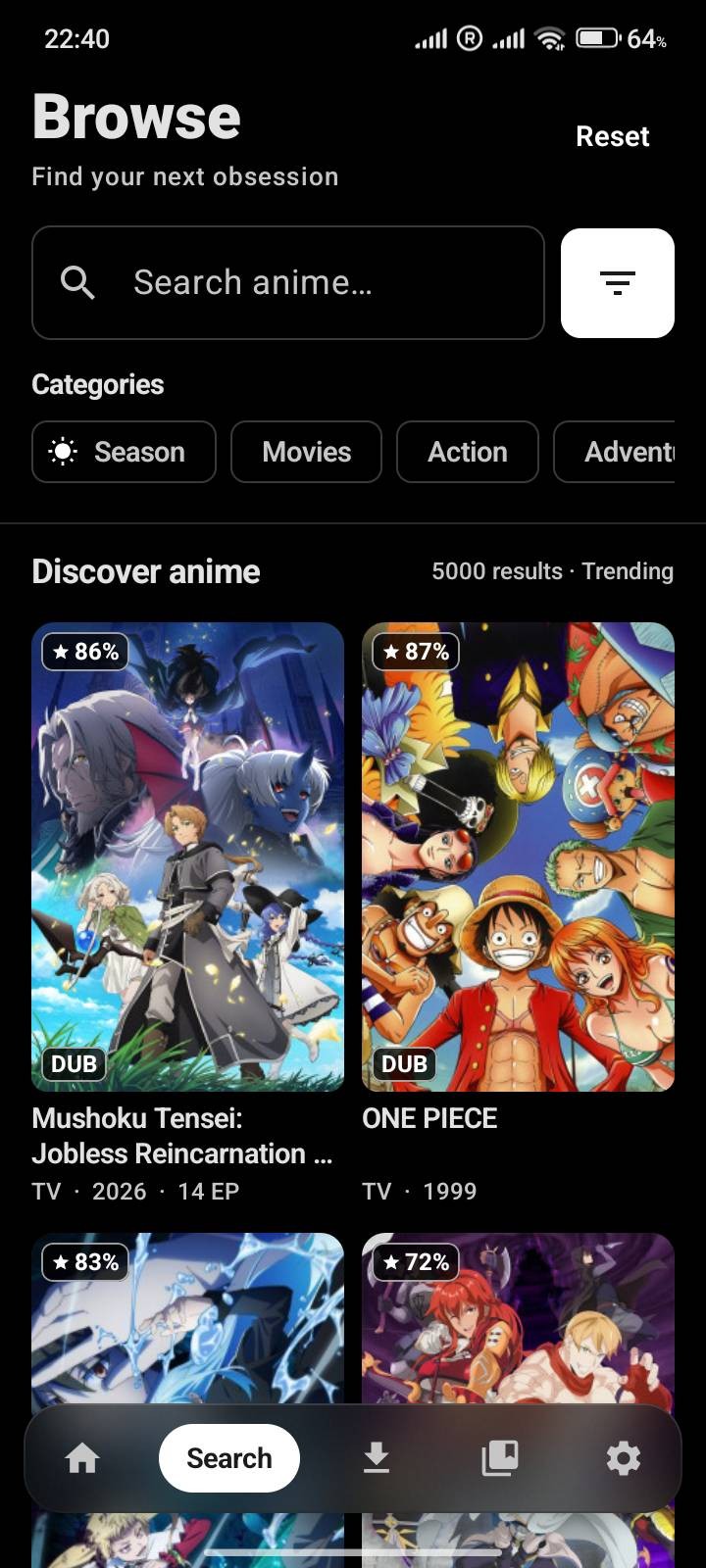
The current phone interface puts browsing first. On the website, a single controlled preview shows that hierarchy instead of presenting a gallery of every screen.
Rather than scaling a phone screenshot into a giant card, the TV experience gets one wide media panel—enough to communicate the layout, density and focus behavior at a glance.
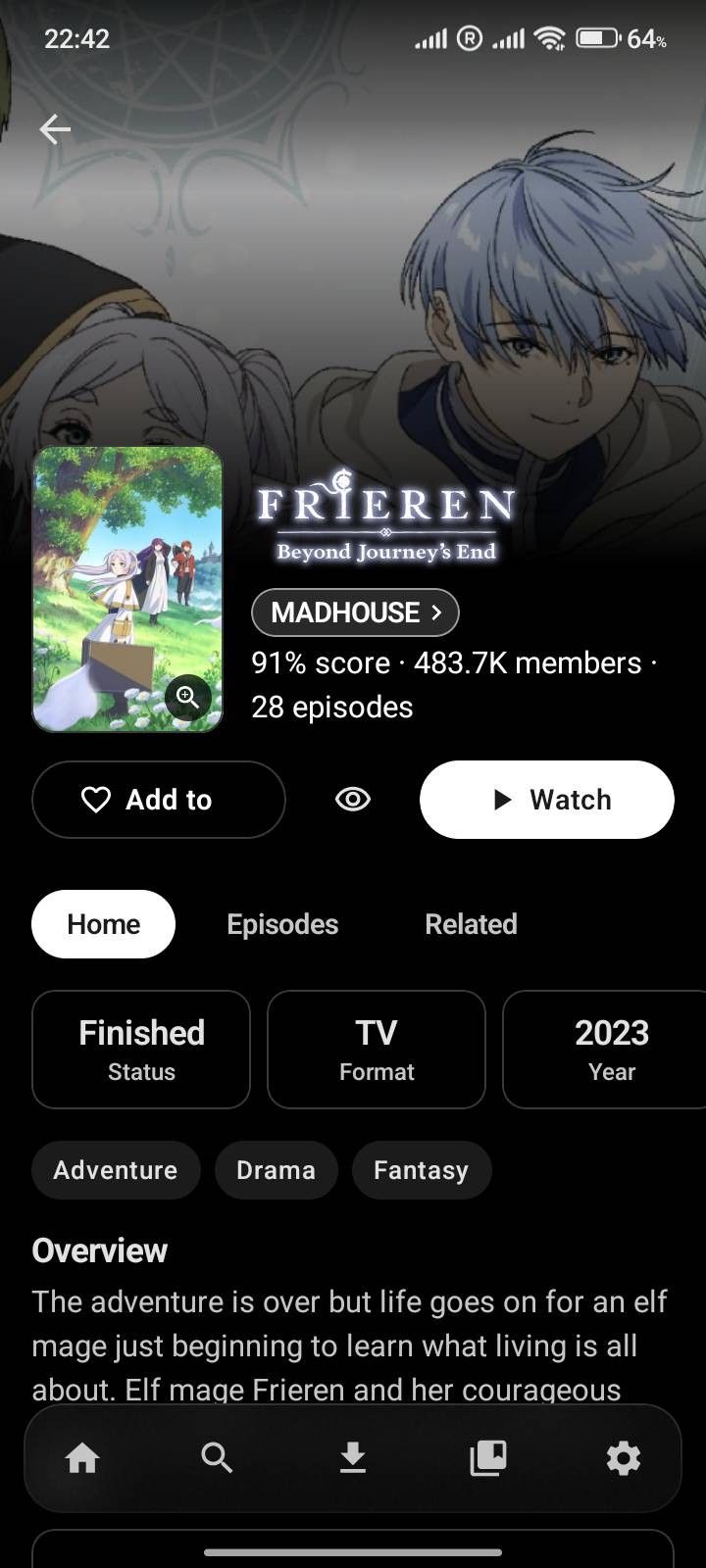
Another focused preview shows how title pages work. Every screenshot on the site is paired with an explanation, so it behaves like product documentation rather than promotional filler.
The latest build introduces a new glass-first visual system, richer personalization, stronger TV profiles and a redesigned account experience.
Glass surfaces now blur the content behind tabs, menus, sheets, headers and controls. Available on Android 12+.
Use anime artwork or your own photo as a backdrop, with darken and blur controls for readability.
Set up to five profiles, each with its own history, list, settings, theme and optional four-digit PIN.
New profile pages surface banners, stats, activity, list breakdowns and service sign-in more clearly.
Create your own lists, sync them with AniList or MyAnimeList, and hide watched titles while browsing.
Continue into the next season and skip intros and outros on downloaded episodes.
v0.1.82 expands profiles on TV and gives each profile more room for its own identity and preferences.
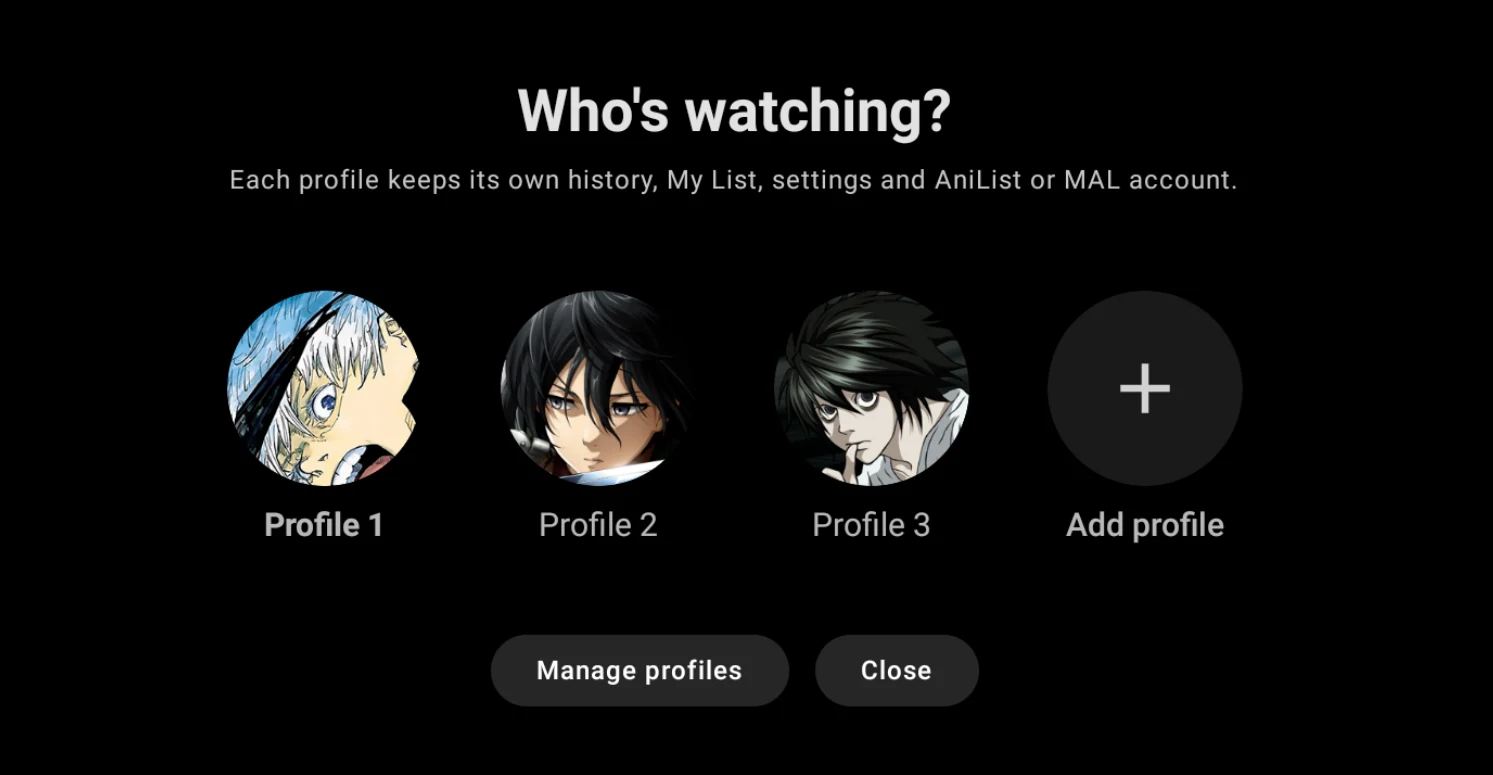
Up to five TV profiles can each have their own history, My List, settings, theme and connected AniList or MyAnimeList account. An optional four-digit PIN can keep a profile locked.
Use the installation guide, update guide, troubleshooting page or official community when something does not behave as expected.